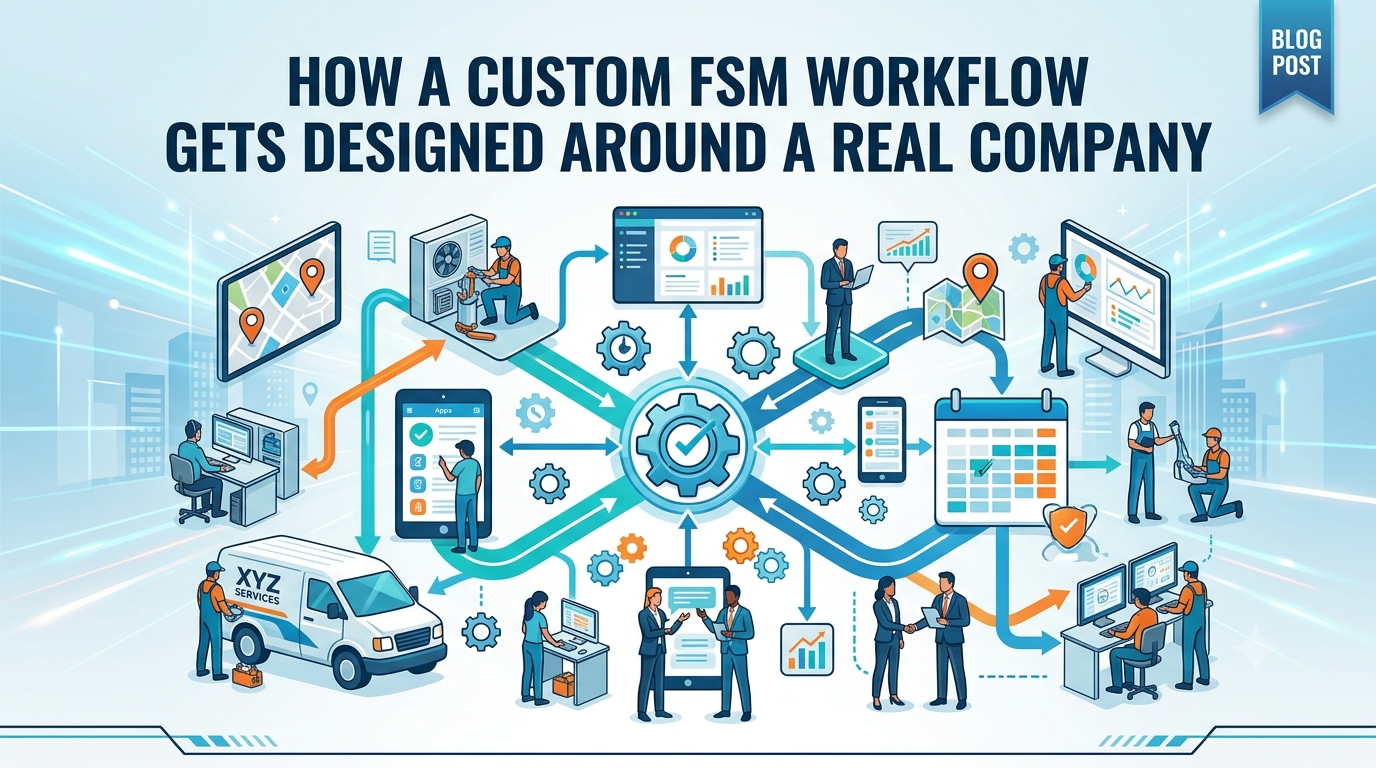
Most field service software starts from the opposite direction of where it should. A vendor builds a general-purpose platform meant to serve plumbers, electricians, HVAC companies, and solar installers all at once, and then every company that buys it has to bend its own process to fit whatever the software assumed a “typical” business looks like. A custom build works the other way around. It starts with how a specific company actually operates, and the software gets shaped to match that, rather than the other way around.This difference sounds abstract until you see what the process actually looks like in practice. It usually starts with a conversation that has almost nothing to do with software at all.
It Starts With How the Job Actually Moves
Before any screen gets designed, the real starting point is understanding what happens between a lead coming in and a job being fully closed out, in as much specific detail as possible. For a solar company, that might mean walking through exactly what happens at the site assessment, what information gets collected, who touches the file during permitting, what the crew needs to see on install day, and what triggers a job to be marked complete. For a different kind of home service company, that sequence looks completely different, with its own specific stages and handoffs.This step matters because most companies have already built a working process, even if it’s held together with a mix of spreadsheets, text messages, and institutional memory. The goal isn’t to replace that process with something generic. It’s to understand it well enough to translate it faithfully into software, including the small quirks that make the business what it is.
Then the Structure Gets Built to Match
Once the actual workflow is clear, the next step is building the underlying structure of the system around it. This means setting up the specific fields, stages, and connections that reflect how jobs really move through the company, rather than forcing the business into a generic pipeline of “scheduled, in progress, complete.” A solar installer’s job might need a stage for utility interconnection that a roofing company would never need. A company running warranty work might need a way to track a manufacturer’s coverage window that has nothing to do with the original install.Because the platform underneath this is no-code, this structure isn’t locked in permanently the way it would be with off-the-shelf software. It can be adjusted as the company’s understanding of its own needs evolves, or as the business itself changes shape over time.
Automation Gets Layered On Top of the Real Process
Only after the structure reflects how the company actually works does automation get added, things like a review request that fires the moment a job is marked complete, or a reminder that goes out to a technician about a task tied to a specific stage. This ordering matters. Automation built on top of a workflow that doesn’t match reality tends to create friction, sending reminders about steps that don’t apply or missing the moments that actually matter. Automation built on top of an accurate workflow feels invisible, because it’s simply doing, consistently and on time, what the team was already trying to do manually.
Testing Against Real Jobs, Not Hypothetical Ones
Before anything goes live, the system gets tested against real, specific examples from the company’s own history, not generic sample data. Running an actual past job through the new system tends to surface small mismatches that wouldn’t show up in a demo built around a hypothetical scenario. Maybe a field is missing that the office always needs to reference, or a stage is triggering earlier than it should. These are the kinds of details that only show up when the system is tested against how the business really operates, and catching them before launch is what keeps the transition smooth instead of disruptive.
Why This Approach Produces a Different Result
The end result of this process looks different from picking software off a shelf, even if the categories of features involved, scheduling, dispatch, review automation, are similar on paper. A system built this way fits the company’s actual workflow instead of asking the company to adapt to the software’s assumptions. It also stays adjustable, so as the business grows or shifts focus, the system can shift with it rather than becoming outdated the moment the company’s process changes.
The underlying idea is a simple one, even though it’s rarely how software gets sold. A tool built around a specific business, informed by how that business actually works rather than a generic template, tends to disappear into the background in the best possible way. It stops feeling like software the team has to work around and starts feeling like an accurate reflection of how the company already operates, just faster and more consistent.