If you run a plumbing, HVAC, roofing, electrical, or general contracting business, you’ve probably typed some version of this into Google at 11pm: “best CRM for home services business.”
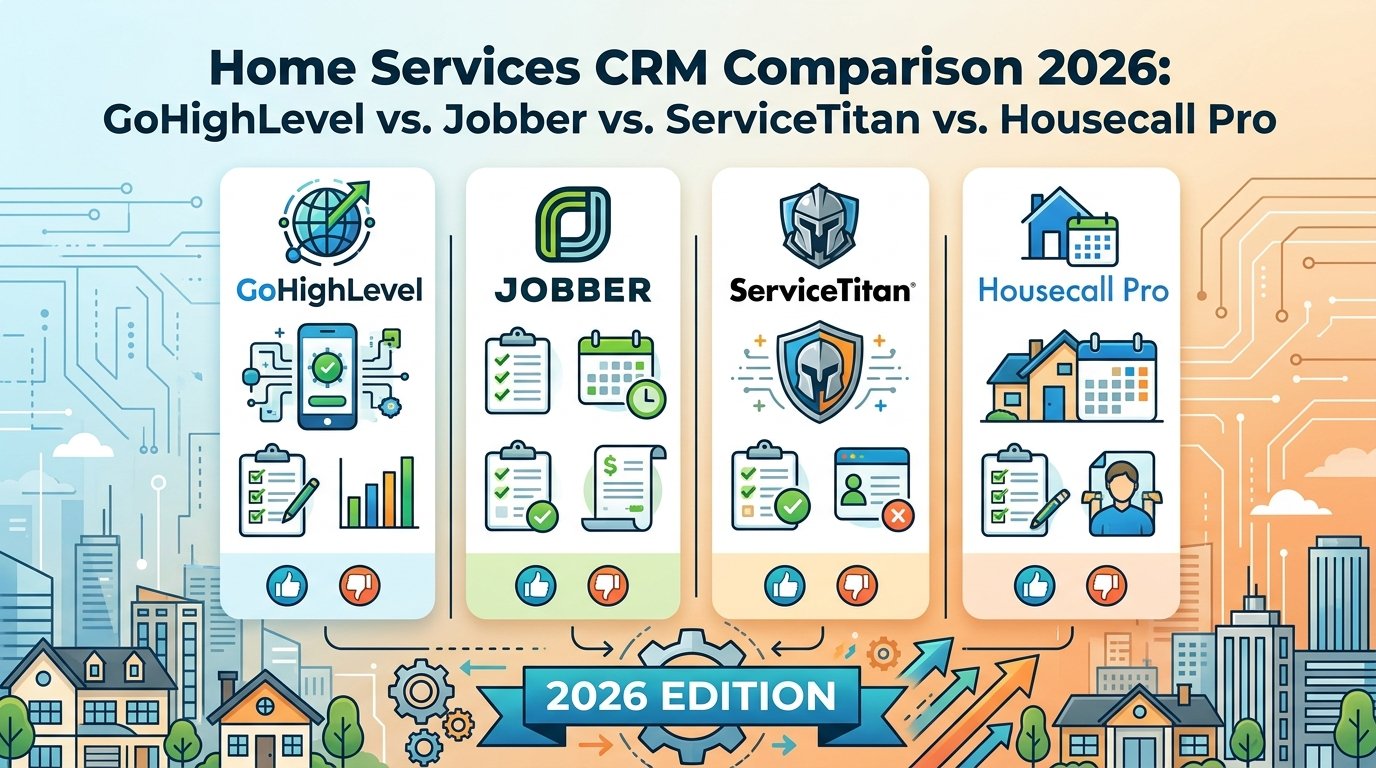
You’ll land on Jobber, ServiceTitan, and Housecall Pro almost immediately. They dominate the field service management (FSM) category. GoHighLevel doesn’t always show up in the same conversation, which is strange, because it’s solving a different problem than any of them.
Here’s the honest breakdown of what each platform actually does well, what it costs, and which one fits your business.
The Core Difference You Need to Understand First
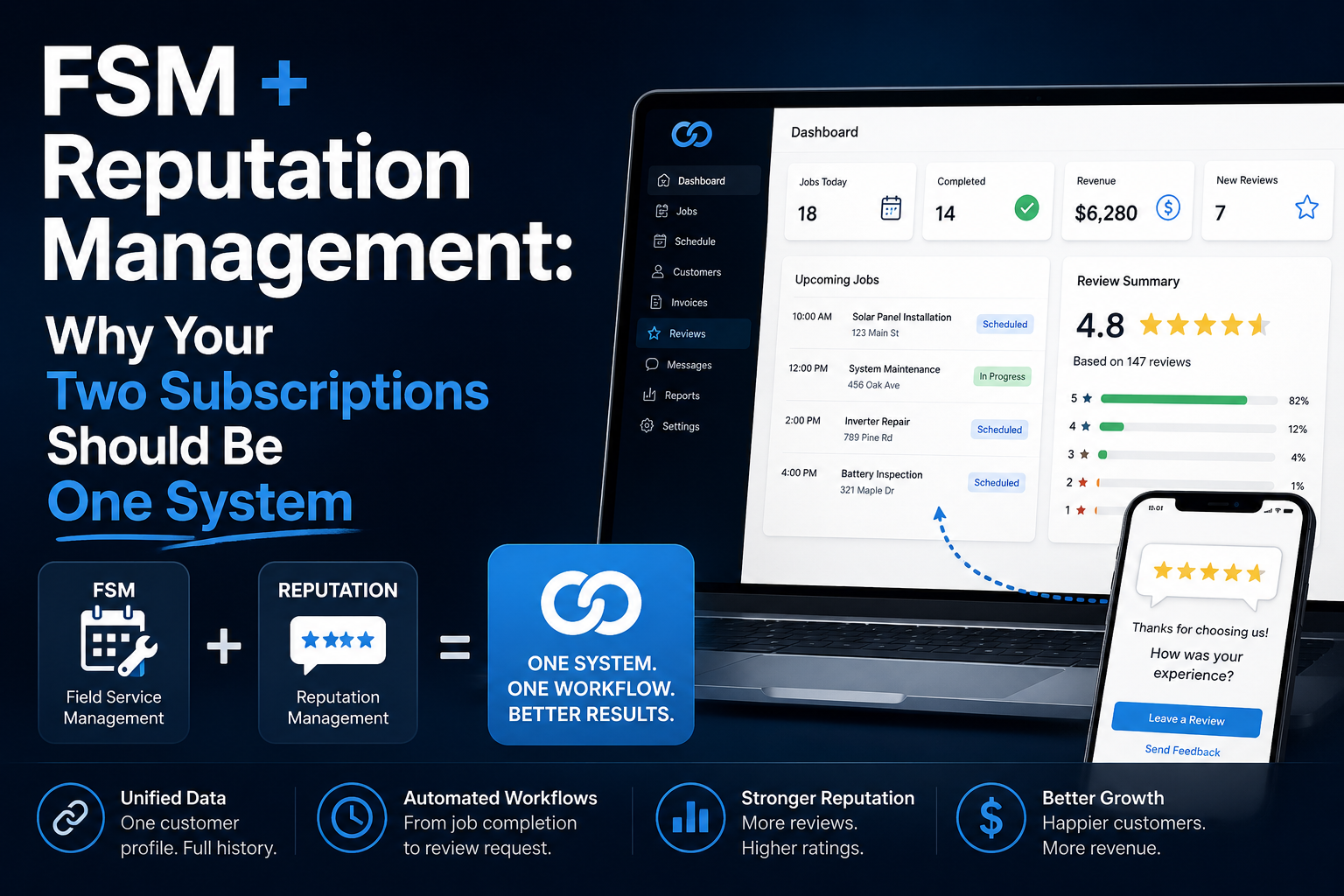
Jobber, ServiceTitan, and Housecall Pro are field service management tools. Their center of gravity is operational: scheduling jobs, dispatching techs, building estimates, collecting payment, and tracking work in the field.
GoHighLevel is a marketing and sales automation platform with CRM at its core. Its center of gravity is the front end of your business: capturing the lead, responding to it instantly, nudging it through to a booked job, and turning the finished job into a review and a repeat customer.
The FSM platforms are built to manage the job once you have it. GoHighLevel is built to make sure you get the job in the first place, and don’t lose it to a competitor who called back faster.
Most contractors don’t actually have a scheduling problem. They have a lead response and follow-up problem. That distinction matters more than any feature list.
Jobber
Best for: small to mid-sized service businesses roughly in the $100K–$1M revenue range, with 2–15 technicians who want more structure and reporting than the most basic tools offer.
Jobber is well regarded for clean scheduling, quoting, and invoicing workflows, and it’s often the step up from paper or spreadsheets for a growing crew. Pricing generally runs from around $25 to $249+ per month depending on plan and user count, with mid-tier plans covering what most growing operations need.
Where it’s strong: day-to-day job management, client history, and professional-looking estimates and invoices.
Where it’s thin: marketing. Jobber can send basic follow-ups and review requests, but it isn’t built to run multi-step nurture campaigns, missed-call text-back, paid ad follow-up, or full funnel/landing page creation. If your bottleneck is turning inbound leads into booked jobs, Jobber won’t close that gap on its own.
ServiceTitan
Best for: larger operations, typically 20+ technicians with dedicated office/admin staff, or multi-location businesses with complex dispatching needs.
ServiceTitan has the deepest feature set of the three FSM platforms — advanced reporting, dispatch boards, and enterprise-grade operational tooling. It’s also the most expensive by a wide margin, with per-technician pricing that can run 5–10x higher than Jobber or Housecall Pro.
Where it’s strong: complex, high-volume dispatch and reporting for larger teams.
Where it’s thin: cost-to-value for small teams and marketing automation is a secondary feature bolted onto an operations platform, not the core of what it does. If you’ve got 4 trucks and no office manager, you’re paying enterprise pricing for tools you’ll never fully use.
Housecall Pro
Best for: solo operators and small teams under roughly $500K in revenue who want the fastest, simplest setup.
Housecall Pro leans into ease of use — drag-and-drop scheduling, same-day payouts, and a genuinely fast onboarding process. Pricing typically runs from around $49 to $300+ per month depending on plan.
Where it’s strong: getting a small operation off paper and into a functioning digital workflow with minimal setup time.
Where it’s thin: once you outgrow “simple,” you’ll feel the ceiling — reporting and workflow customization are basic compared to Jobber, and marketing automation is limited to review requests and light follow-up sequences.
GoHighLevel
Best for: home services businesses of any size that are losing revenue at the front of the funnel — missed calls, slow follow-up, unanswered quotes, and inconsistent reviews — rather than in job scheduling itself.
GoHighLevel wants to be the system that makes sure every lead gets a response in seconds, every quote gets followed up on until it’s won or lost, and every completed job turns into a 5-star review and a shot at repeat business.
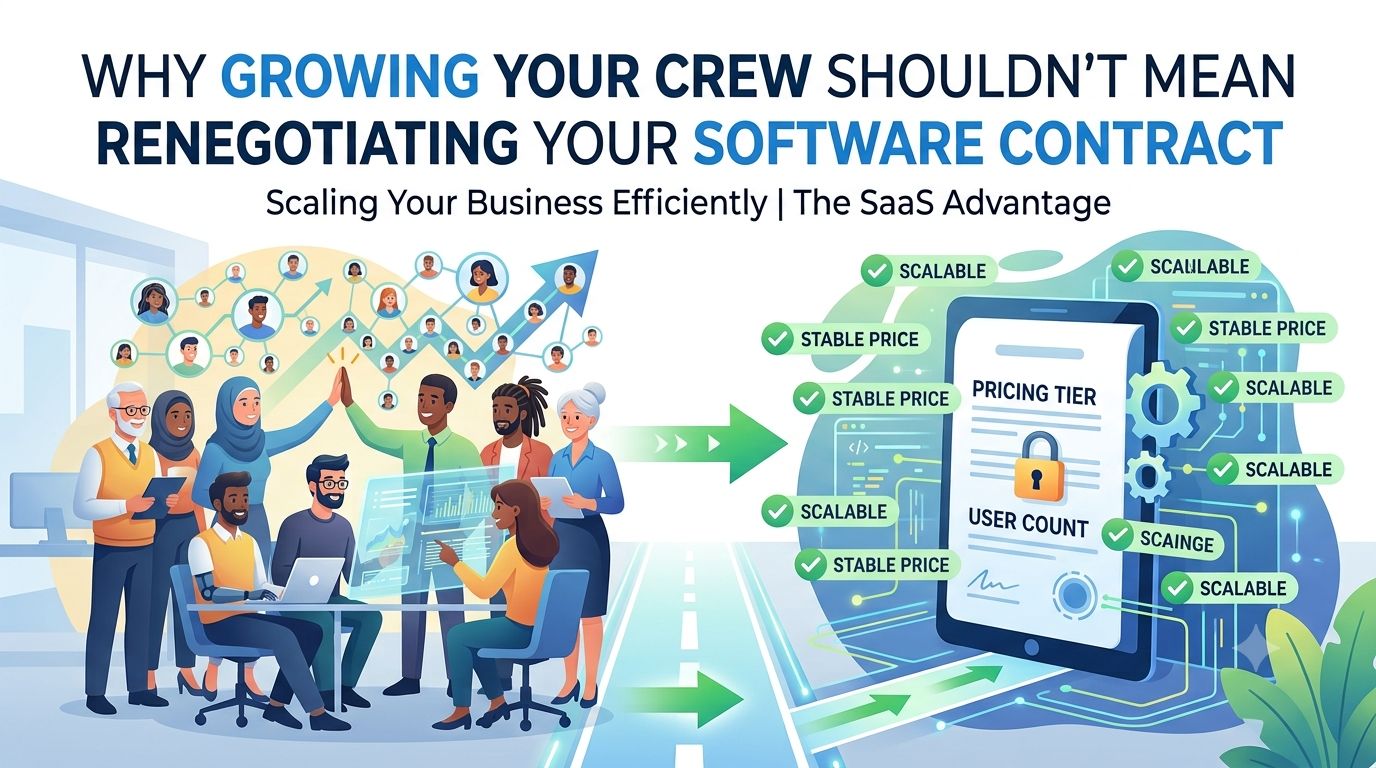
Its missed-call text-back feature automatically sends a text the moment an unanswered call comes in, so you stop losing jobs to whoever calls the customer back first. Full CRM pipelines track leads from first contact through quote, booking, job completion, and review, with automated follow-up built into every stage instead of relying on someone remembering to make the call. Built-in funnels, landing pages, and forms let you capture and route leads without needing a separate tool. Automated review requests go out the moment a job is marked complete, keeping your reputation compounding without manual chasing. Email and SMS marketing keep you in front of past customers so they call you again instead of Googling “plumber near me.” And pricing is flat and predictable each month, regardless of lead volume, rather than the per-technician or per-job fees that scale against you as your business grows.
Where it’s strong: converting leads into booked jobs and booked jobs into repeat customers and reviews — the revenue-generating side of the business.
Where it’s thin: it doesn’t do field-level job management the way Jobber or ServiceTitan do — no dispatch board, no route optimization, no in-field job costing. Most home services businesses running GoHighLevel pair it with a lightweight scheduling tool, or use GHL’s calendar for booking while keeping field ops simple.
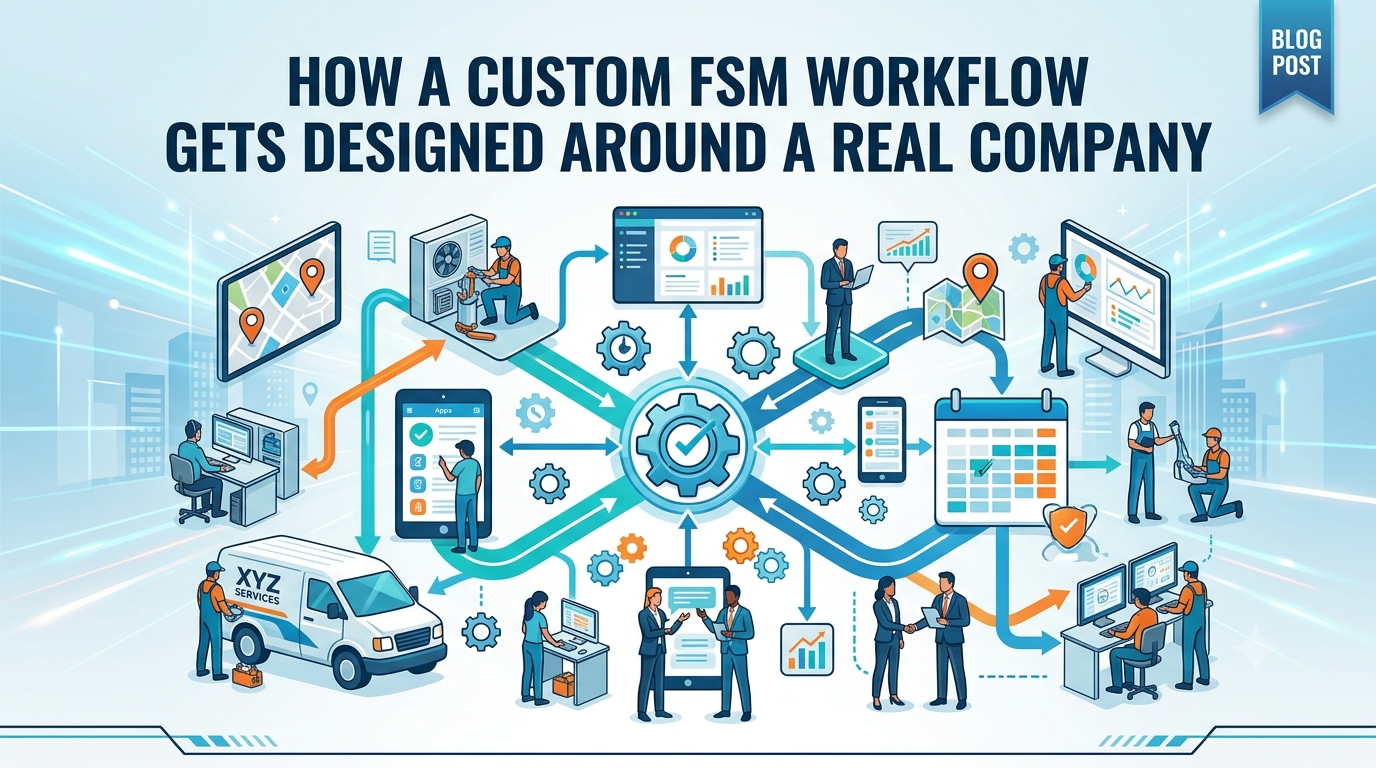
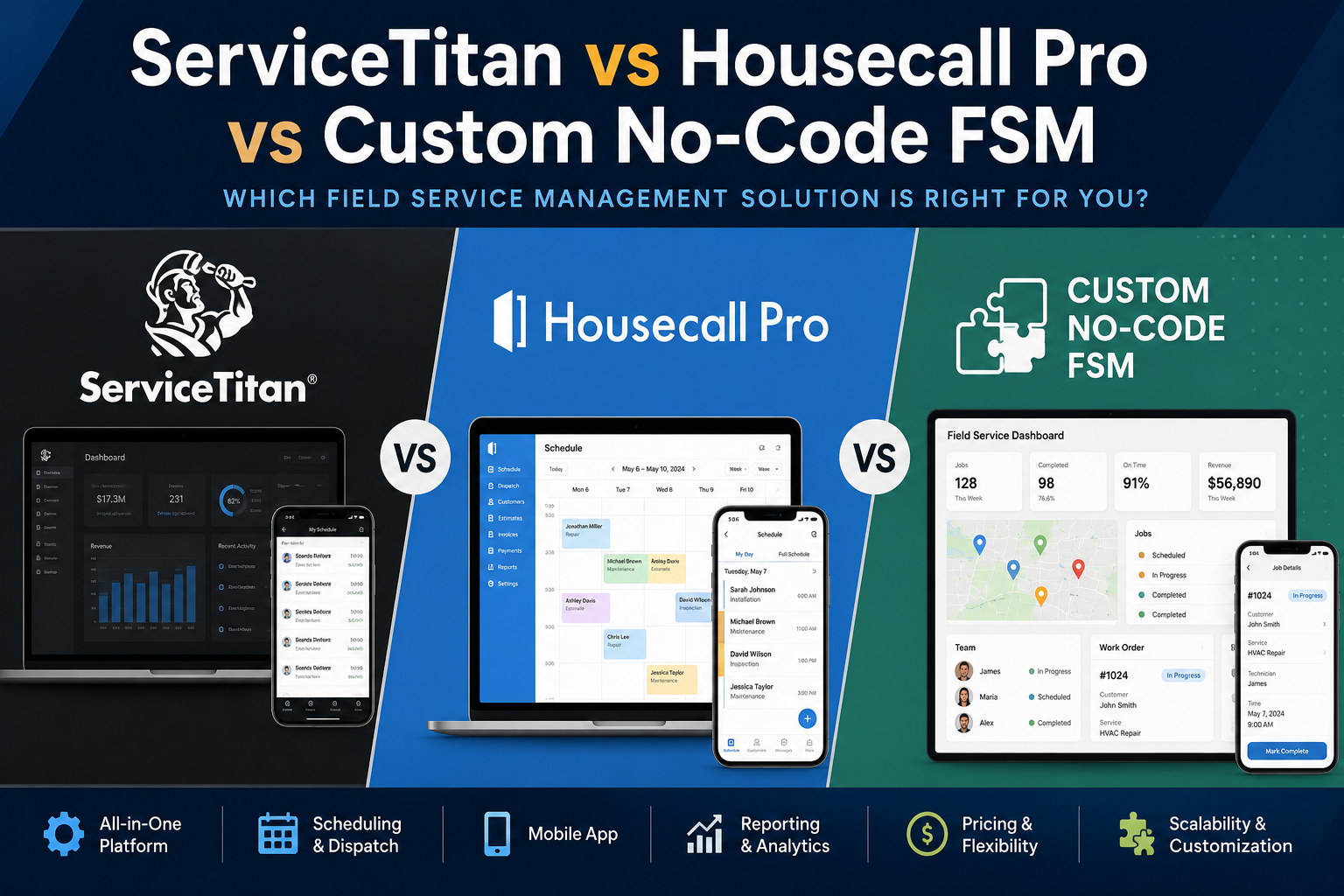
Rising Current offers custom FSM services for small and mid-sized crews.
Side-by-Side Summary
| GoHighLevel | Jobber | Housecall Pro | ServiceTitan | |
|---|---|---|---|---|
| Core strength | Lead capture, follow-up, marketing | Job scheduling & invoicing | Ease of setup, fast payouts | Enterprise dispatch & reporting |
| Best team size | Any size, esp. 1–15 techs | 2–15 techs | Solo–5 techs | 20+ techs |
| Missed-call text-back | Yes, built-in | Limited | Limited | Limited |
| Marketing automation | Core feature | Basic | Basic | Add-on |
| Pricing model | Flat monthly | Per-user tiers | Per-user tiers | Per-technician, premium |
| Typical monthly cost | Flat, predictable | ~$25–$249+ | ~$49–$300+ | 5–10x competitors |
Which One Should You Actually Pick?
If your business is bleeding leads because calls go unanswered, quotes go cold, and reviews trickle in randomly — that’s a GoHighLevel problem, and none of the three FSM tools above will fully fix it, because it’s not what they’re built for.
If your business is already converting leads fine but you’re drowning in scheduling chaos, dispatch conflicts, or messy invoicing — that’s a Jobber, Housecall Pro, or ServiceTitan problem, sized to your team.
Plenty of home services businesses eventually run both: an FSM tool for field operations, and GoHighLevel driving the marketing and CRM engine that keeps the pipeline full. The mistake is assuming your scheduling software is also handling your follow-up and marketing — for most contractors, it isn’t, and that gap is exactly where revenue quietly leaks out every month.
Not sure which setup fits your business? Book a free CRM consultation and we’ll map out exactly where your current system is losing leads — and what a proper setup looks like for your trade.
This comparison reflects publicly available pricing and feature information as of 2026. Pricing and features change frequently across all platforms. Confirm current details directly with each vendor before making a decision.