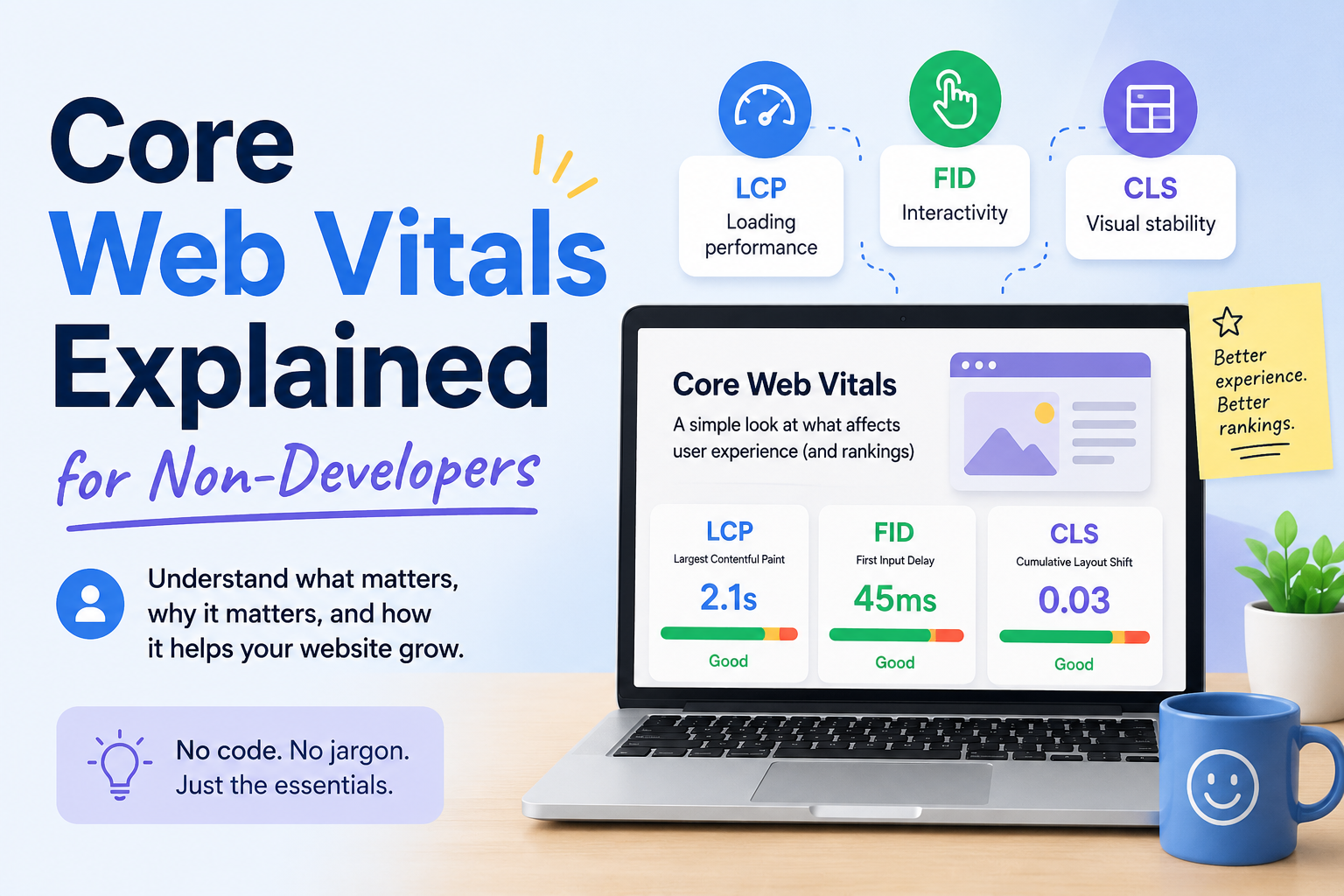
You’ve probably seen the term in Google Search Console: a warning about “Core Web Vitals” issues, maybe a red or yellow status next to some of your pages. If you’re not a developer, this can feel like being told your car has a problem with its “flux capacitor” — technically alarming, functionally meaningless. Here’s what Core Web Vitals actually are, why they matter, and what you can realistically do about them without writing code.
What Core Web Vitals Actually Measure
Core Web Vitals are three specific metrics Google uses to judge how a real visitor experiences your page: how fast it loads, how quickly it responds when they click or tap something, and how visually stable it is while it loads. Google doesn’t measure these in a lab with a perfect connection. It measures them from real Chrome users visiting your actual site, then looks at the 75th percentile — meaning your page needs to perform well for at least three out of every four visitors, not just the fastest ones.The three metrics are:
Largest Contentful Paint (LCP) — how long it takes for the biggest visible element on the page (usually a hero image, a heading, or a large block of text) to fully render. Good: under 2.5 seconds.
Interaction to Next Paint (INP) — how long the page takes to visibly respond after someone clicks, taps, or types something. Good: under 200 milliseconds. This replaced an older metric called First Input Delay in 2024; if you read something referencing FID, it’s outdated.
Cumulative Layout Shift (CLS) — how much content unexpectedly jumps around while the page loads. You’ve felt this: you go to tap a button and an ad loads in above it, so you tap the wrong thing instead. Good: under 0.1.A page needs to be “good” on all three, for most visitors, over a rolling 28-day window, to get a clean bill of health in Search Console.
Why This Matters Beyond SEO
Google has confirmed Core Web Vitals are a ranking signal, but a modest one — think of it as a tie-breaker between pages that are otherwise similar in relevance and quality, not something that overrides genuinely better content. A slow, janky page with excellent content can still outrank a fast page with thin content.
The bigger impact is usually on conversion, not ranking. A visitor who taps a button and nothing happens for half a second, or who loses their place because an ad shifted the layout, is a visitor who’s more likely to leave. Slow, unstable pages bleed revenue and trust even on the rare occasion they don’t cost you a ranking position.
What Usually Causes Each Problem
You don’t need to read code to understand the common culprits.LCP problems are usually about images and server speed: a large, uncompressed hero image, a slow web host, or render-blocking scripts that delay everything else from showing up. This is the most common Core Web Vitals failure on content-heavy sites like blogs, because a big header image is often the largest element on the page.INP problems are almost always about JavaScript — heavy scripts (chat widgets, ad tech, complex sliders) that tie up the browser and delay it from responding to a tap. This is the hardest of the three to fix without developer help, because the fix usually means removing or deferring scripts rather than adjusting a setting.
CLS problems are usually about things loading in without reserved space: an image or ad that doesn’t have a set size, so the page shifts once it finally loads; a custom font that swaps in and reflows the text; a cookie banner or promotional bar that pops in above existing content.What You Can Actually Do Without a DeveloperCompress images before uploading them. Free tools like TinyPNG or Squoosh can cut file size significantly with no visible quality loss. This is the single highest-leverage fix most non-developers can do themselves, since oversized images are the most common LCP culprit on blogs and small business sites.
Set explicit dimensions on images. Most modern CMS platforms (WordPress, Shopify, Squarespace) do this automatically when you upload through their media library, but manually embedded images or custom HTML sometimes skip it. This is the most common fix for CLS.Remove or reduce third-party scripts you don’t need. Every chat widget, tracking pixel, and embedded widget adds weight. If you installed five plugins over the years and only use two, the other three may still be silently loading and slowing you down.
Switch to a lighter theme, if you’re on WordPress. Heavily-featured themes with lots of built-in animation and JavaScript are a common, underappreciated source of both LCP and INP problems, and switching to a simpler theme can fix issues that no amount of image compression will touch.Use a content delivery network (CDN). Many hosts include one, or offer it as a low-cost add-on. A CDN serves your site from servers physically closer to each visitor, which directly improves LCP.Where to Check Your Actual ScoresTwo free tools, no code required:Google Search Console’s Core Web Vitals report shows your real, field-measured data, grouped by page type, with a clear Poor/Needs Improvement/Good breakdown.
PageSpeed Insights lets you test any individual URL and gives specific, plain-language suggestions ranked by likely impact.Check Search Console first to see which pages actually have a problem in the real world, then run those specific pages through PageSpeed Insights for suggestions.
Setting Realistic Expectations
Fixing these issues doesn’t produce an instant result. Google’s real-user data updates on a rolling 28-day window, so a fix you make today typically won’t be reflected in Search Console for several weeks. Don’t panic and try five more things in the meantime — make a change, wait, and check.
You also don’t need a perfect score. You need to be out of the “poor” range on the pages that actually matter to your business — your homepage, your top landing pages, anything driving meaningful traffic or conversions. A slightly slow About page that gets ten visits a month is not the priority a slow, unstable homepage is.
Where This Fits Into a Bigger Picture
Core Web Vitals are one piece of a larger technical foundation, not a standalone score to chase. A fast, stable page with thin or unhelpful content still won’t rank well or convert visitors — good performance removes a barrier, it doesn’t replace substance. If you’re running a full technical SEO audit, treat this checklist as one section of it, not the whole project.
Manually testing every page, tracking which ones regress after a redesign or plugin update, and re-checking a month later is exactly the kind of repetitive monitoring work that’s easy to do once and then quietly stop doing — which is precisely where a tool that can flag regressions automatically earns its keep, freeing you to focus on the content and structural decisions that still need a human’s judgment.
Core Web Vitals sound intimidating mostly because of the acronyms. Underneath them are three plain questions: does it load fast, does it respond quickly, and does it hold still. Answer those honestly for your most important pages, and you’ve covered the bulk of what actually matters.