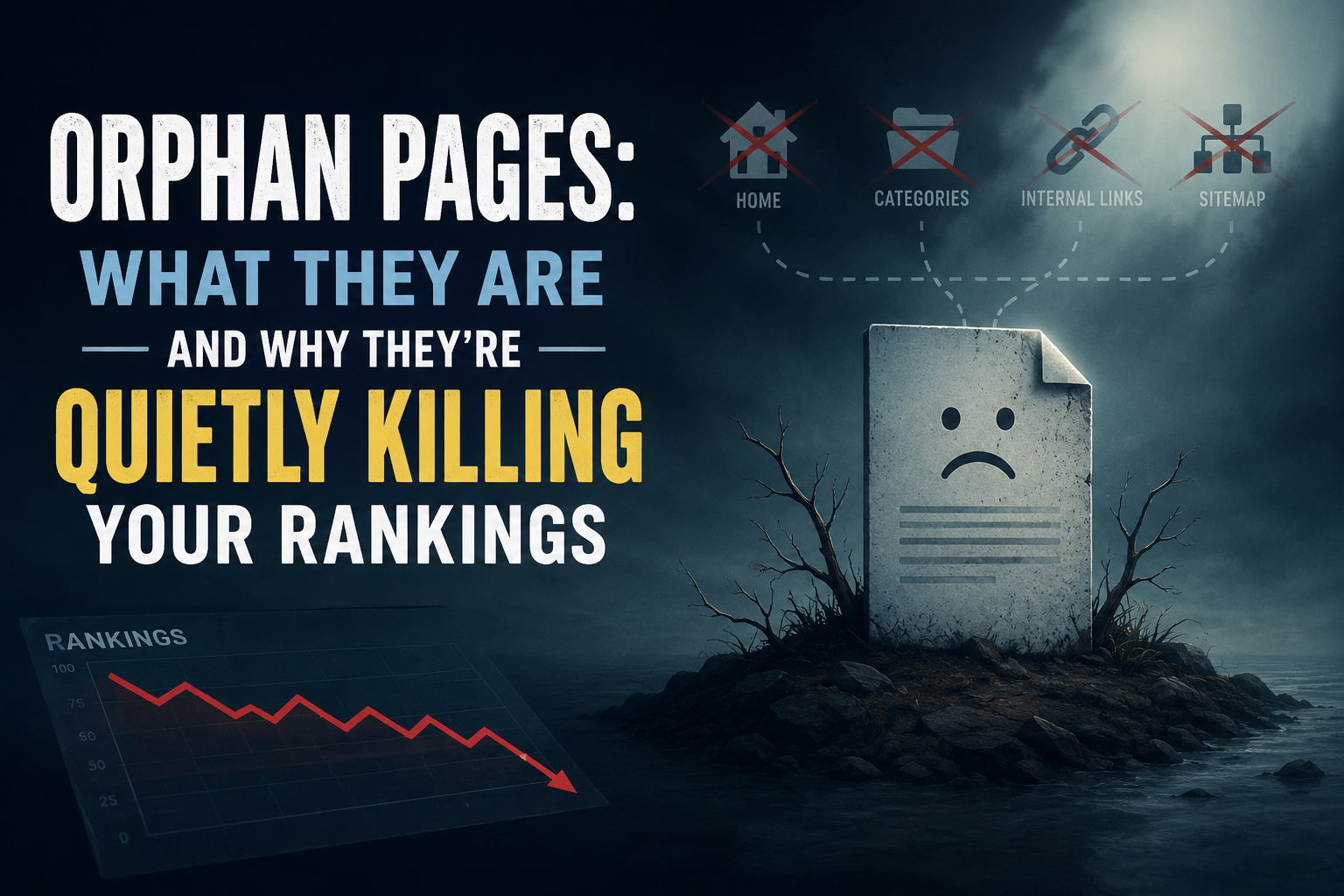
An orphan page is any page on your site that has zero internal links pointing to it. It can still load, still be indexed, and still show up in search results, but because nothing on your own site links to it, both search engines and visitors have no path to find it through normal browsing. This quietly weakens crawl priority, link equity, and topical authority, even when the content itself is genuinely good.
What is an orphan page?
An orphan page is a page with no internal links pointing to it from anywhere else on the site. It exists, it’s reachable if someone already has the exact URL, and it may even appear in search results, but no other page links to it. A visitor who lands on the homepage and browses normally, following the navigation and the content, will never come across it, because there’s no path leading there.
This is different from a page that’s simply hard to find. A page buried five clicks deep but still reachable through the site’s structure isn’t an orphan, it’s just poorly positioned. An orphan page has no path at all, not even a long one.
Why do orphan pages happen?
Orphan pages rarely happen on purpose. They accumulate quietly, and the most common causes are a redesign or migration where a new navigation structure gets built and pages that weren’t explicitly carried over lose every internal link even though the page itself still exists; an old campaign or landing page that was heavily linked for a few weeks and then had those links removed once the promotion ended, without the page itself ever being deleted or redirected; content that was published without a plan for where it fits, so nobody ever went back to link to it from related material; a category or tag structure that changed or got removed, orphaning a page that was only ever reachable through that archive; and pages that are only ever “linked” through the XML sitemap, which search engines can crawl but real visitors never encounter through ordinary browsing, technically keeping the page indexed while leaving it functionally orphaned from a user’s perspective.
Why do orphan pages hurt search rankings?
Search engines use internal links, not just the sitemap, to judge which pages on a site matter most. A page that receives links from several other relevant pages sends a signal of importance and relevance. A page with zero internal links sends the opposite signal, regardless of how strong the content actually is.
This shows up in a few concrete ways. Crawl priority suffers, since search engines devote more attention to pages that are well-connected within a site’s structure, meaning an orphan page may get crawled less often and updates to it take longer to be noticed. Link equity suffers too: when one page links to another, it passes along some of its own authority, and a page with no incoming internal links gets none of that benefit no matter how strong the homepage or other top pages are. Topical authority takes a hit as well, since a page that’s genuinely relevant to a content cluster but isn’t linked into it contributes nothing to that cluster’s overall strength, sitting unused instead of reinforcing the site’s authority on the subject. And user experience, which feeds back into rankings, suffers because a visitor who can’t find related content through normal navigation has a worse experience and is more likely to leave after a single page, which contributes to the kind of weak engagement signals that correlate with worse performance over time.How do you find orphan pages on your own site?
There’s no need to guess. One reliable method is crawling the site with a tool like Screaming Frog, which is free for up to 500 URLs, and comparing the pages it finds by following links against the pages listed in the XML sitemap; anything that appears in the sitemap but was never reached by following a link is an orphan. Another is checking Google Search Console’s Pages report for indexed URLs, then manually spot-checking whether each one is reachable through the site’s normal menus and internal links. A third is searching the site directly using a site:yourdomain.com query in Google and clicking through unfamiliar-looking results to see whether a path back to them exists from the homepage.How do you fix an orphan page once you find one?
The right fix depends on whether the page still deserves to exist. If the content is still relevant and valuable, the fix is to link to it: find two or three genuinely related pages on the site and add a natural, in-context link, rather than dumping it into an unrelated “related posts” widget just to check a box — the link should make sense to a real reader following the topic, not just to a crawler. If the content is outdated but the underlying topic still matters, it’s often worth updating and relaunching the page as something current, then linking to it properly from related content going forward. If the content no longer serves any purpose at all, the better move is redirecting it to the most relevant current page rather than letting it decay in isolation, or removing it and letting it return a proper 404 if there’s genuinely no equivalent replacement.
Is fixing orphan pages a one-time task?
No. New content keeps getting published, old campaigns keep ending, redesigns keep happening, and the conditions that create orphan pages keep recurring as a result. Sites that stay clean are the ones that check for this periodically, not the ones that fix it once and move on. Manually cross-referencing a sitemap against a real crawl, then judging whether each mismatch still deserves a link, is exactly the kind of repetitive audit work that’s easy to do diligently for a month and then quietly abandon — and it’s also exactly the kind of pattern-matching task an AI-assisted SEO tool can flag automatically, catching orphaned pages within weeks of appearing rather than years later.
A site with strong content and a weak internal structure is leaving real value unclaimed. Orphan pages are one of the simplest problems to find and one of the most straightforward to fix. The hardest part is usually just remembering to look.