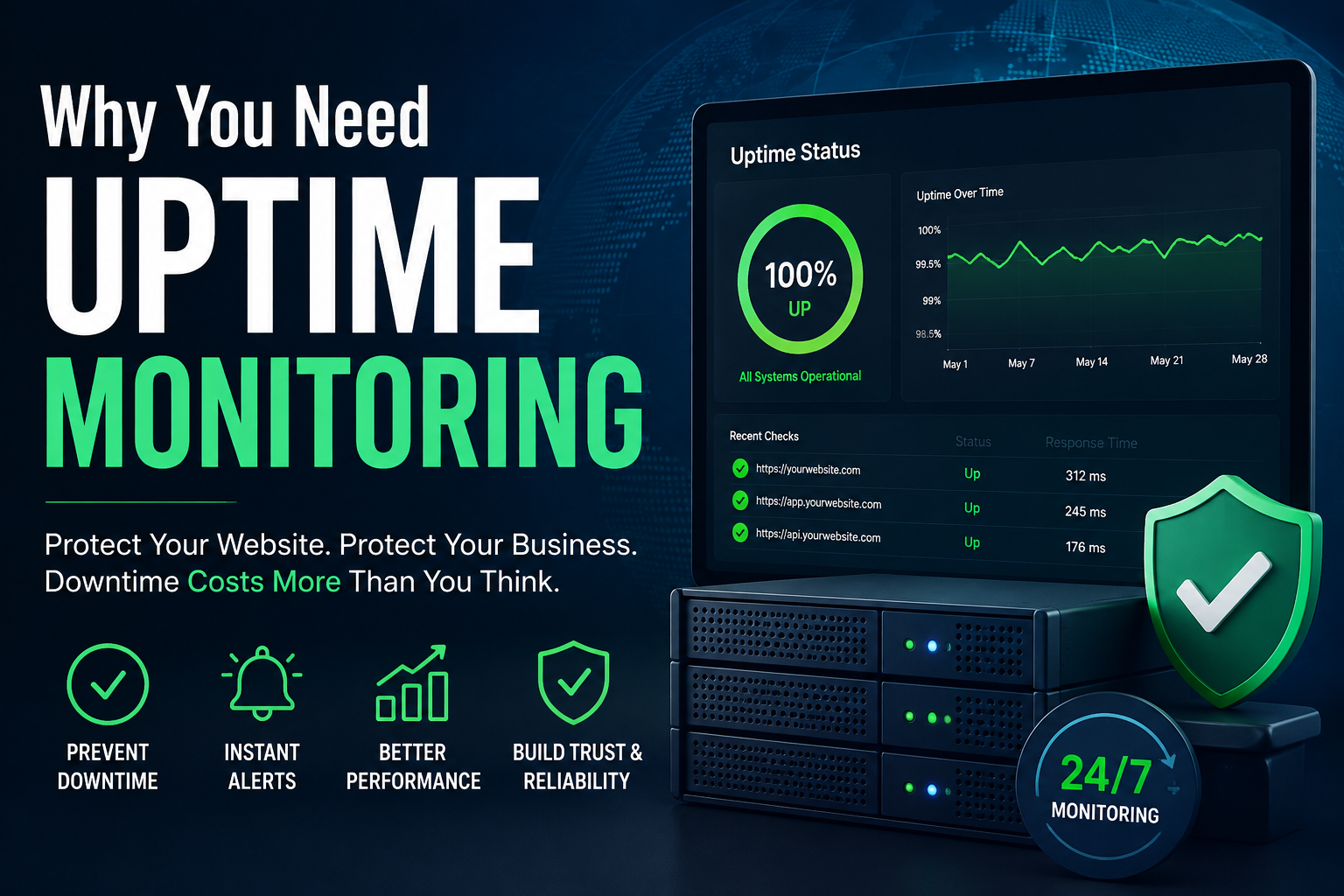
Most website owners find out their site is down the same way: a customer emails to ask why they can’t check out, or a colleague pings you on Slack saying “hey, is the site broken for you too?” By the time you hear about it, the outage might have already been running for twenty minutes, an hour, or longer.Uptime monitoring exists to close that gap. It’s one of those tools that feels unnecessary right up until the moment it isn’t — and by then, the damage is already done.
What Uptime Monitoring Actually Does
At its core, an uptime monitor pings your website or specific endpoints (like your homepage, checkout page, or API) at regular intervals — often every one to five minutes. If your site fails to respond, or responds with an error, the tool alerts you immediately via email, SMS, Slack, or another channel you’ve set up.It sounds simple because it is simple. But that simplicity is the point: it replaces “hope someone notices” with “get notified the second something breaks.”
The Real Cost of Not Knowing
Downtime itself is often unavoidable — servers fail, hosting providers have outages, deployments go wrong. What’s avoidable is not knowing about it quickly. A few reasons that gap matters more than people expect:
Lost revenue adds up fast. If you run an e-commerce site or any business where visitors convert to revenue, every minute of downtime is a minute of lost sales. A site that’s down for two hours during peak traffic can lose far more than the cost of years of monitoring.
Customer trust doesn’t recover instantly. A visitor who hits an error page once might try again later. A visitor who hits it twice starts looking for alternatives. Repeated or prolonged outages quietly push people toward competitors, and you often never find out it happened.
Search engines notice too. Search crawlers that repeatedly hit a down or slow-responding site can deprioritize crawling it, and prolonged unavailability can affect how a site is treated in rankings over time. Reliability isn’t just a user experience issue — it’s a visibility issue.Small issues become big ones without warning. Slow response times often precede full outages. Monitoring tools that track response time, not just up/down status, give you a chance to catch degrading performance before it becomes a total failure.
Who Actually Needs This
It’s tempting to assume uptime monitoring is only for large companies with dedicated ops teams, but that’s backwards. Smaller sites and solo operators often need it more, precisely because they don’t have someone watching dashboards all day or a support team fielding “is the site down?” messages. If you’re the only one who’d notice a problem, you’re also the only one who needs to be notified the moment it happens.This applies whether you’re running:An e-commerce storeA SaaS product with an API customers depend onA content site or blog that relies on ad revenue or affiliate trafficA portfolio or business site where downtime looks unprofessional to potential clients
What to Look For in a Monitoring Tool
Not all uptime monitors are built the same. A few things worth prioritizing:
Check frequency — every 5 minutes is standard; every 1 minute catches issues faster
Multiple alert channels — email alone isn’t enough if you’re away from your inbox; SMS, Slack, and push notifications matter
Status pages — a public page showing your site’s uptime history builds trust with customers and reduces “is it just me?” support tickets
Response time tracking, not just binary up/down status
A free tier, so you can start monitoring without committing to a cost before you’ve seen the value
UptimeRobot covers all of this and is one of the more widely used tools in this space, with a free plan that’s genuinely usable for small sites and paid tiers that scale up in check frequency and features as you grow.(Disclosure: the link above is a referral link — using it may earn us a small commission at no extra cost to you.)
Uptime monitoring is one of the lowest-effort, highest-value tools you can add to your stack. It takes a few minutes to set up, runs quietly in the background, and its entire job is to make sure you’re never the last to know when something’s wrong with your own site. Given how much a single unnoticed outage can cost — in revenue, trust, or search visibility — it’s hard to argue against having eyes on your site 24/7, even when you’re not.