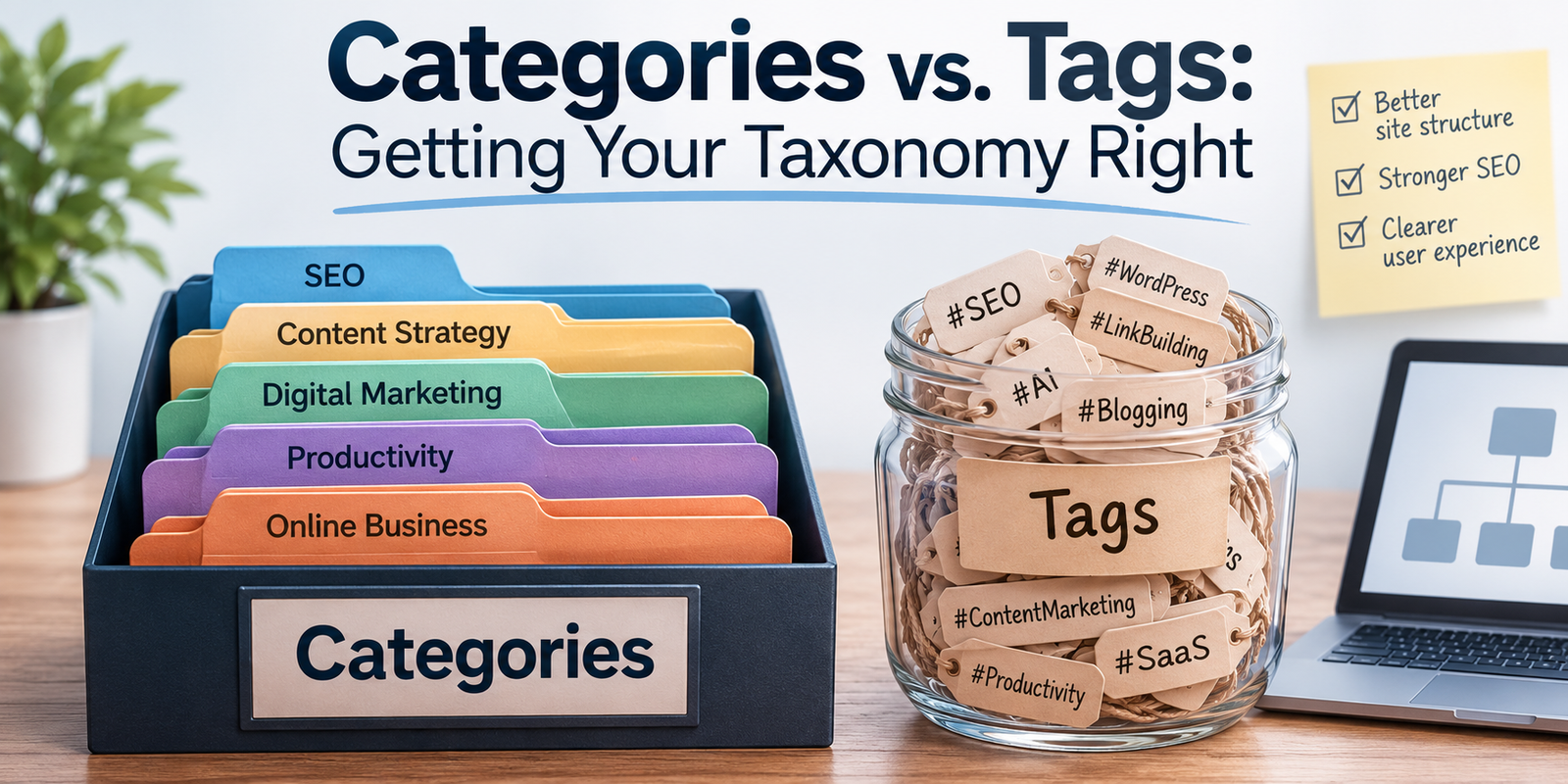
If you’ve ever stared at the WordPress sidebar wondering whether to file a post under “Recipes” or tag it “gluten-free,” you’re not alone. The distinction between categories and tags is one of the most misunderstood aspects of content management—and getting it wrong can turn your beautifully organized blog into a digital junk drawer.
The Core Difference: Broad vs. Specific
Think of your content like a library. Categories are the shelves—the big, structural divisions that tell visitors where they are in your world. Tags are the index cards—the specific details that help people find exactly what they’re looking for.
Categories are broad, thematic buckets. They can be nested into parent and child relationships, they are usually required for every post, and you should aim to keep them limited to roughly five to ten total. They often form part of your site’s URL architecture.
Tags, by contrast, are specific and granular. They exist in a flat hierarchy with no nesting, they are optional, and you can have as many as you need. They typically do not affect your URL structure.A food blog might have categories like Breakfast, Dinner, and Dessert. Tags for a specific post might include vegan, 30-minute, one-pot, and meal-prep. The category tells you the room you’re in; the tags tell you the ingredients on the table.When Categories Go Wrong
The most common taxonomy mistake is treating categories like tags. I’ve seen blogs with forty-seven categories, including gems like “Tuesday Thoughts,” “Random,” and “Uncategorized.” Please, delete “Uncategorized.” It is the digital equivalent of a junk drawer labeled “Stuff.”
Categories should be mutually exclusive—or as close to it as possible. A post about a vegan breakfast smoothie should not sit in both Breakfast and Vegan if Vegan is meant to be a dietary tag. If you find yourself creating a category for every detail, you’ve crossed the line into tag territory.
If you have more than ten categories, ask yourself if some are actually tags in disguise. If you have fewer than three, you probably haven’t thought hard enough about your content structure.
When Tags Become Noise
Tags are optional, which means they accumulate like digital dust. A blog with two thousand posts and eight hundred tags isn’t organized—it’s a thesaurus with a search bar.Tag bloat happens when you create slight variations of the same concept: “coffee,” “espresso,” “latte,” “caffeine,” and “morning-brew” all describing the same idea. This fragments your content and creates hundreds of near-empty archive pages that dilute your SEO authority.Before creating a new tag, ask yourself: will I ever write another post with this tag? If the answer is no, skip it. If the answer is yes, check if an existing tag already covers it.
The SEO Angle
Search engines don’t care about your feelings—they care about structure.Categories should reflect your site’s keyword strategy. If you run a tech blog and “Python Tutorials” is a high-value search term, make it a category, not a tag. Category pages often rank well because they aggregate substantial, related content.
Tags are less powerful for SEO but invaluable for internal linking. A well-tagged post creates natural pathways between related content, keeping readers on your site longer. Just don’t let tag archive pages outnumber your actual posts.
A Practical Framework
Here is a decision tree I use with clients.
If a topic is a major theme of your site, it should be a category. If you will write about it regularly—say, ten or more posts—it should also be a category. If it describes a format, tool, or temporary attribute, it is a tag. If it is a sub-topic of an existing category, consider making it a child category or a tag. If you are tempted to make it up on the fly, it is definitely a tag—or nothing at all.
Eeal-World Examples
A photography blog might use categories such as Portraits, Landscapes, Street Photography, Gear Reviews, and Tutorials. Its tags might include Sony A7IV, golden hour, black and white, Lightroom, Iceland, and 35mm.
A SaaS company blog might organize content into Product Updates, Engineering, Customer Stories, and Industry Trends. Tags could cover API, security, onboarding, case study, and Q3-2026.A personal finance site might use Investing, Debt Management, Budgeting, and Retirement as categories. Tags might include 401k, emergency fund, side hustle, Gen Z, and inflation.
Notice how in each case, categories answer “What is this about broadly?” while tags answer “What specific concepts does this touch?”
The Maintenance Problem
Taxonomy isn’t a set-it-and-forget-it system. Every six months, audit your structure.
Merge redundant tags, such as “web-dev” and “webdev.” Delete orphaned tags with zero or one posts. Split categories that have grown too broad—a Tutorials category with two hundred posts might need to become Video Tutorials, Written Guides, and Workshops. Check that your most popular tags actually have enough posts to justify their existence.
The Bottom Line
Categories are your site’s skeleton. Tags are its nervous system—connecting ideas across the structure. You need both, but they serve fundamentally different purposes.
Get your taxonomy right, and readers move through your content effortlessly. Get it wrong, and even your best work gets lost in the noise.
The good news? Unlike a physical library, digital shelves are easy to rearrange. Start simple, stay consistent, and don’t be afraid to reorganize when your content evolves. Your future self—and your readers—will thank you.—What’s your taxonomy strategy? Do you lean heavily on categories, tags, or both? I’d love to hear how you organize your corner of the internet.