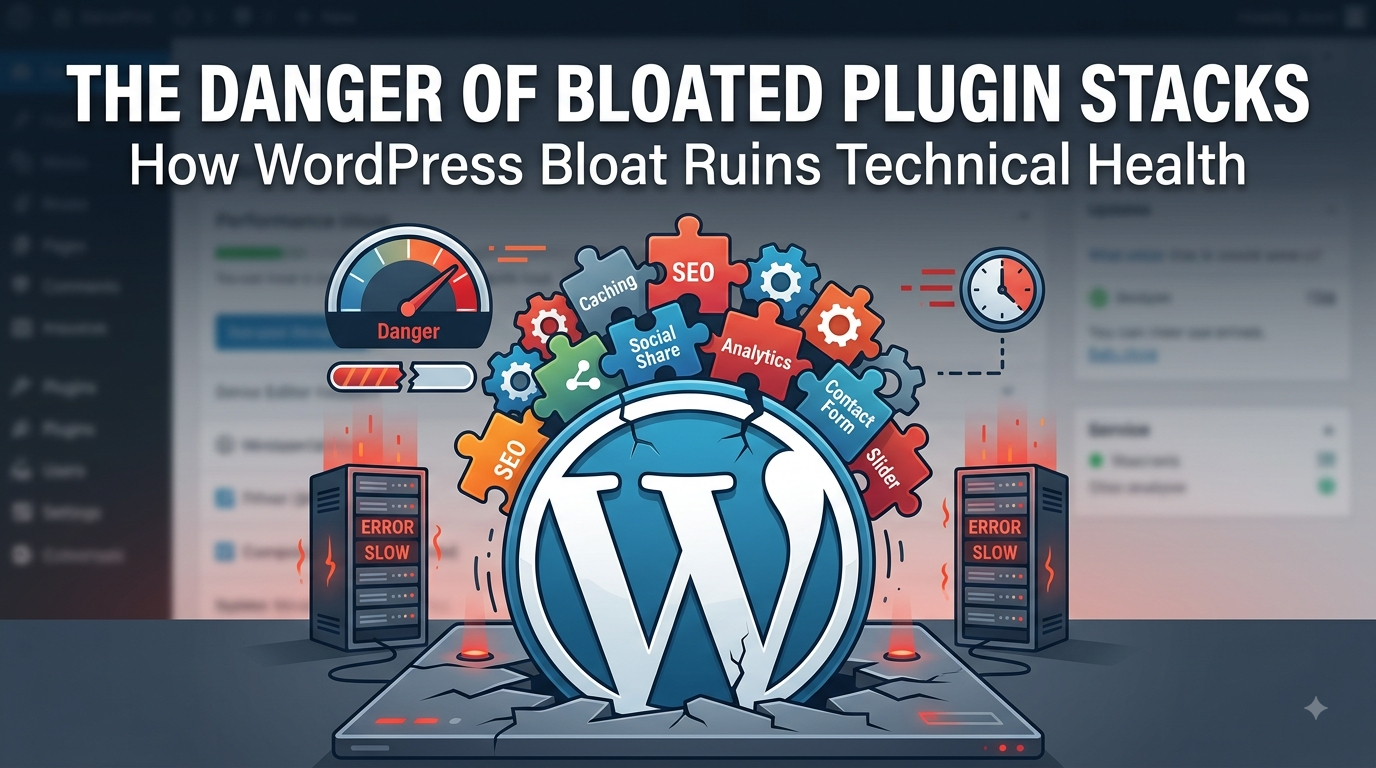
WordPress powers a huge share of the web because it’s flexible, extensible, and easy to get started with. Plugins are a big part of that appeal — need a contact form, an SEO toolkit, a caching layer, a page builder? There’s a plugin for that. But this same strength is also WordPress’s biggest liability. Site owners install plugins freely and rarely uninstall them, and over months or years, a lean site quietly turns into a tangled, fragile mess. This is plugin bloat, and it’s one of the most common — and most avoidable — causes of poor technical health in WordPress.
What Plugin Bloat Actually Looks Like
Plugin bloat isn’t just “having a lot of plugins.” A well-run site can run 20+ plugins without issue if each one is necessary, well-maintained, and lightweight. Bloat is what happens when:
Plugins are installed to solve a one-time problem and never removedMultiple plugins overlap in functionality (three SEO plugins, two caching plugins, four form builders)
Plugins are abandoned by their developers but still active on the siteHeavy, feature-rich plugins are used for tasks that need only a fraction of their functionalityDeactivated-but-not-deleted plugins still leave behind database tables, cron jobs, and options
The site still “works,” which is exactly why bloat is dangerous — it hides in plain sight until something breaks.
The Technical Costs
Performance degradation. Every active plugin can add its own database queries, JavaScript files, CSS stylesheets, and PHP hooks that run on every page load. A dozen unnecessary plugins can easily double or triple page load times, hurting both user experience and search rankings.
Security exposure. Every plugin is additional attack surface. Outdated or abandoned plugins are a leading vector for WordPress site compromises, since they stop receiving security patches while remaining fully installed and often still active.
Conflicts and instability. Plugins hook into the same core WordPress functions, and when two or more compete for the same resource — say, two SEO plugins both trying to manage meta tags — the result can be silent bugs, broken layouts, or fatal errors after updates.
Maintenance overhead. More plugins mean more updates to track, more compatibility testing after each WordPress core update, and more moving parts to debug when something goes wrong. Troubleshooting a bloated site often means disabling plugins one by one just to isolate the culprit.
Database clutter. Many plugins write persistent data to the database — settings, logs, cached results — that lingers even after the plugin is deactivated. Over time this slows down queries and complicates backups and migrations.
hy It Happens
Plugin bloat rarely comes from a single bad decision. It accumulates:
A developer installs a plugin to test an idea, then forgets about it
A marketing team adds tracking or popup plugins without technical review
Nobody owns an ongoing plugin audit process”It might be useful later” becomes justification for keeping unused plugins activeSite owners fear that removing a plugin will break something, so nothing is ever removedWithout a deliberate process, bloat is the default outcome, not the exception.
How to Keep a Plugin Stack Healthy
Audit regularly. Schedule a quarterly or biannual review of every active plugin. For each one, ask whether it’s still needed, still maintained, and still the best tool for the job.Consolidate overlapping tools. If two plugins do similar things, pick the better-maintained one and remove the other rather than running both indefinitely.
Vet before installing. Check a plugin’s last update date, active install count, and support responsiveness before adding it. A plugin untouched in two years is a liability waiting to happen.Remove, don’t just deactivate. Deactivated plugins still sit on the server and often still leave data behind. If a plugin isn’t needed, delete it properly.
Favor lightweight, single-purpose tools. A plugin that does one thing well is usually a safer long-term bet than an all-in-one suite that duplicates functionality already handled elsewhere.Monitor performance impact. Use profiling tools to see which plugins are actually slowing down page loads or adding excessive queries, rather than guessing.
A WordPress site’s plugin stack is a reflection of how disciplined its maintenance has been. Bloat doesn’t happen overnight — it’s the slow accumulation of shortcuts, forgotten installs, and deferred cleanup. The fix isn’t complicated, but it does require ongoing attention: treat every plugin as a liability that has to earn its place, not a convenience that’s free to keep around. A lean, well-audited plugin stack is faster, safer, and dramatically easier to maintain — and that discipline is what separates a technically healthy WordPress site from one quietly rotting under the hood.