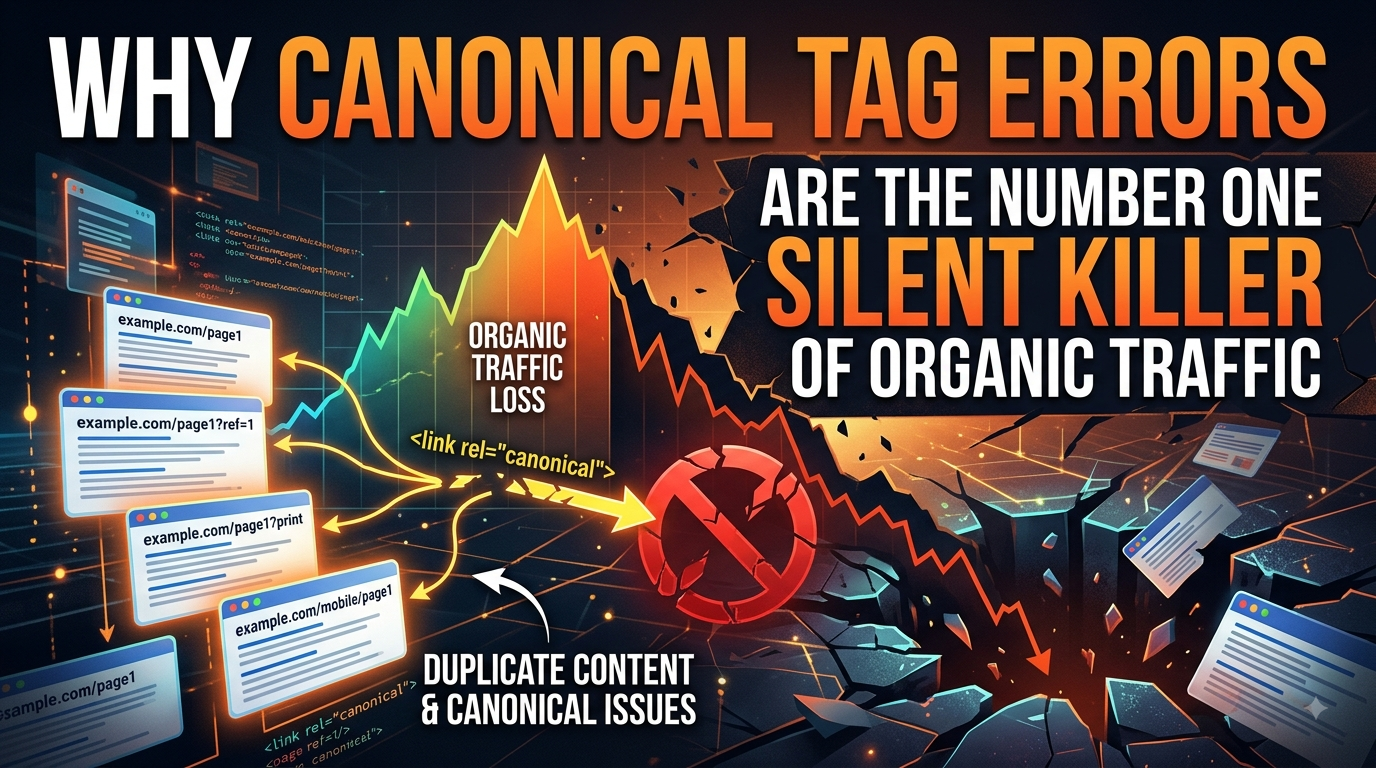
Most traffic drops come with a warning. A penalty hits and rankings fall off a cliff overnight. A bad migration breaks a template and 500s show up in Search Console within hours. You see the cause because it’s loud.Canonical tag errors don’t work that way. They erode traffic quietly, page by page, over weeks or months, while every other signal on the site looks fine. That’s what makes them so dangerous — by the time someone notices the decline, the damage has usually been compounding for a while.What a canonical tag is actually doing
A canonical tag is a single line in a page’s HTML that tells search engines: “if you find near-duplicate versions of this content, treat this URL as the original.” It exists because most sites unintentionally generate several URLs pointing at the same content — a product page reachable through three category paths, a blog post with and without a tracking parameter, a paginated series, an HTTP and HTTPS version of the same page.
Without a canonical signal, search engines have to guess which version is authoritative and split ranking signals — links, engagement, relevance — across all of them instead of consolidating that value into one URL. Get canonical tags right and every link, share, and ranking signal points to the URL you choose; get them wrong and Google splits your ranking signals across duplicate pages that end up competing with each other.
Search engines treat the tag as a strong suggestion, not a command, so canonical tags are handled as strong hints rather than absolute instructions — which means a broken canonical doesn’t necessarily throw an error. It just quietly gets overridden or ignored, and your intended page loses.
Why the damage stays invisible
A handful of common mistakes account for most of the traffic loss, and none of them trigger an obvious alarm:
Pointing to a dead or wrong URL. A page gets deleted or moved and nobody updates the canonical tags referencing it. If the canonical URL doesn’t exist or can’t be reached, search engines may ignore the canonical signal entirely and choose a different URL to index instead — often not the one you wanted.
Conflicting canonical tags. This is especially common on WordPress sites running multiple SEO plugins that each inject their own tag. Two canonical tags pointing to different URLs cancel each other out, and Google ignores both, leaving the page to be indexed however Google sees fit.
Canonicalizing pages that aren’t actually duplicates. Site owners sometimes reach for a canonical tag to handle content that’s merely similar rather than truly duplicate. The near-duplicate threshold search engines apply is much narrower than most SEOs assume, so a canonical tag applied too aggressively can tell Google to stop indexing pages that were driving real, distinct traffic.
Using a canonical tag where a redirect was needed. These solve different problems. One team learned this the hard way during a large migration: after moving 200,000 URLs, they assumed a canonical tag would act as a soft redirect for pages they couldn’t 301, but Google kept indexing the old pages for months because the underlying content hadn’t changed. A canonical is a hint about which live page to prefer; a 301 is an instruction that a page has moved for good.
Accidentally canonicalizing to someone else’s domain. This is the costliest version. When content is syndicated without a correct cross-domain canonical, and a partner site gets crawled more frequently, Google can mistake the partner as the original source and the actual originator as the duplicate — with publishers losing an average of 40% of potential organic traffic to the third party within the first week.
Relative instead of absolute URLs. A canonical tag written as a relative path can be interpreted inconsistently across crawlers and servers, occasionally pointing search engines to a URL you never intended to canonicalize to at all.None of these produce a 404, a crawl error, or a manual action notice. They just quietly redirect ranking power away from the page you actually want to rank — which is exactly why they survive so long undetected.How common this actually is
This isn’t an edge case. Somewhere between 29% and 67% of websites have some form of duplicate content, with e-commerce sites among the worst affected — filter combinations, sort orders, tracking parameters, and pagination can generate dozens of duplicate URLs without anyone realizing it. On the enterprise end, canonical mismanagement in faceted navigation has cost some large e-commerce sites as much as 40% of organic traffic.
The fixes, when found, tend to be disproportionately rewarding relative to how small the change is. One reported case saw ranking keywords jump 320% — from 154 to 724 — after a single canonical tag correction.
How to catch it before it costs you
Because canonical errors don’t announce themselves, they need to be checked for on purpose rather than discovered by accident:Audit on a schedule, not just after a migration. Quarterly reviews of canonical tags across your key templates catch drift before it compounds.
Check your highest-value pages by hand. Homepage, category pages, product pages, and top-performing posts — view source, search for “canonical,” and confirm it’s self-referencing, absolute, HTTPS, and returns a 200 status.Watch for plugin conflicts. If your CMS runs more than one SEO tool, verify only one of them is writing canonical tags.Use self-referencing canonicals on paginated content, rather than pointing every page back to page one — that orphans genuinely valuable deeper pages.
Choose redirects over canonicals when a page has actually moved for good. Reserve canonical tags for cases where both versions of a page need to stay live.Cross-check syndication partners. If your content runs elsewhere, confirm the syndicating partner is canonicalizing back to you — don’t assume they set it up correctly.
Canonical tags are a few characters of code doing a disproportionate amount of structural work. They don’t fail loudly, they don’t show up as a distinct line item in most dashboards, and they can sit broken for months while every other part of an SEO strategy performs exactly as expected. That combination — high impact, low visibility — is what makes them worth checking before you go looking anywhere else for a traffic drop you can’t otherwise explain.