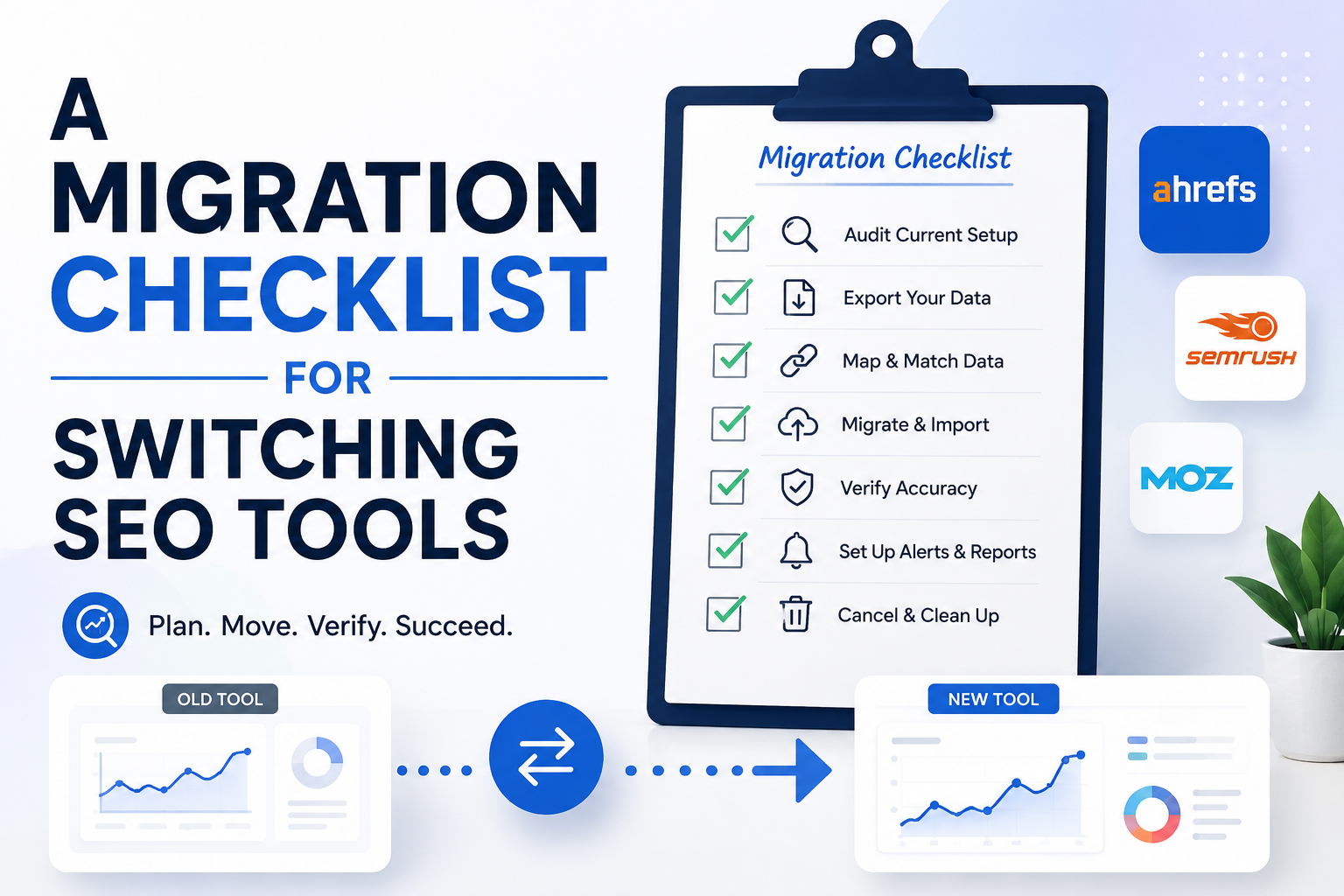
Switching SEO tools is low-risk if you do four things: audit your existing data, export what’s exportable, run the old and new tool in parallel for one full cycle, and verify everything after you commit. The only truly irreplaceable data is historical ranking trends — your actual search rankings, content, and backlinks are unaffected by which tool you use to measure them.
What data should you back up before switching SEO tools?
Before switching, inventory five things inside your current tool, since most platforms don’t offer one clean “export everything” button:
Keyword tracking history — which keywords you track and how far back your ranking history goes. This is the highest-priority item, because historical position data can’t be regenerated after the fact; you can only track forward from whenever you restart.
Backlink data — years of link discovery for your site and competitors that a new tool’s crawler would need time to rebuild.
Content briefs and audit reports — saved audits or optimization scores tied to specific pages.
Competitor lists — who you’re tracking, since re-adding these manually is tedious and easy to forget.
Custom tags, folders, or groupings — any campaign, client, or category structure not obvious from raw data alone.
What SEO data can actually be exported?
Exportability varies by platform, so check each of these before assuming data will transfer:A native CSV or spreadsheet export, usually under settings, reports, or an export icon on each data view.Whether keyword history exports as a full time series or only a current snapshot — many tools only give you the latest numbers unless exported screen-by-screen over time.
Whether an API exists, which is often more complete than a manual export.If neither export nor API exists, manual screenshot or spreadsheet transcription is the fallback for anything critical.Should you run both SEO tools at the same time during a switch?
Yes. Keep your old subscription active for at least one full ranking-check cycle after setting up the new tool. This gives you two benefits: a safety net if something’s missing, and a way to sanity-check the new tool’s numbers against ones you already trust. Small differences in keyword position between tools are normal, since they pull from different data sources and check at different times — but large discrepancies are worth investigating before you cancel the old tool. If a clean bulk import isn’t available, manually re-add keywords and competitors rather than assuming the import caught everything.
What SEO data is recoverable vs. permanently lost when switching tools?
Recoverable, just takes time:
Current keyword rankings (re-checkable within days once tracking restarts)
Competitor lists (a re-add, not a rebuild)
On-page audit scores (re-runnable instantly with a new crawl)
Harder to fully recover:
Long-term historical ranking trends (unrecoverable if never exported — there’s no way to retroactively generate an 18-month ranking graph)
Manually annotated notes tied to specific data points
Backlink discovery history, until the new tool’s crawler catches up
Unaffected by switching tools at all:Your actual search rankingsYour site’s content
Your real-world backlink profile
The key point: switching tools changes how you measure and report performance, not the performance itself. A tool is a window, not the view.What should you verify after completing an SEO tool migration?After canceling the old tool, run a final check rather than assuming everything transferred cleanly:
Confirm every keyword you actually care about is being tracked, not just the ones that auto-imported.Reconnect site verification (e.g., Search Console integration), which is easy to overlook and quietly breaks reporting.Re-check your competitor list against your real competitive landscape, pruning stale entries and adding new ones.Wait for enough new data before judging the new tool — set a reminder to compare month-over-month trends rather than deciding after a few days.Does switching cost more with subscription tools vs. one-time-purchase tools?
Generally, yes. A subscription tool with proprietary historical data locked in its own dashboard creates real switching cost, since canceling can mean losing access to that history. A one-time-purchase tool that reads directly from your own Search Console and analytics data — rather than building its own separate historical database — has far less lock-in, because your performance data was never trapped inside the tool to begin with. Before buying any new tool, it’s worth asking directly: does it store its own historical record, or does it read from data sources I already own? The latter makes any future switch dramatically less risky.
Switching SEO tools feels riskier than it usually is, mainly because the fear is vague while the actual checklist isn’t. Audit what you have, check what’s exportable, run both tools in parallel for one full cycle, and verify carefully once you’ve committed. The one thing genuinely worth protecting is historical ranking data that can’t be regenerated later — everything else is inconvenient to rebuild, not gone for good.